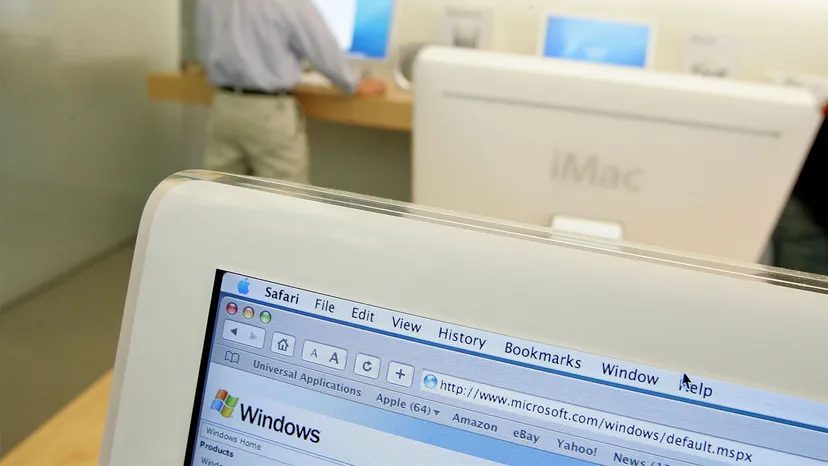
Before 2006, the divide between Apple Macintosh computers and Windows PCs was absolute. macOS simply wouldn’t run on standard PCs, and Microsoft Windows couldn’t touch Mac hardware. The result was a culture war. Arguments over which system was superior were commonplace. A handful of users attempted to bridge the gap using virtualization software, but those workarounds were clunky and limited. To get the full power of both ecosystems, you had to buy two separate machines.
Then came 2006. Apple decided to abandon its PowerPC processors. They switched to Intel chips, the same ones powering standard PCs. This hardware shift changed everything. It made it possible to run Windows on Mac hardware with native performance. Apple also released Mac OS X Tiger (10.4), the first version of macOS designed to support Intel processors.
This transition paved the way for Boot Camp. Developed by Apple in cooperation with Microsoft, this utility allows you to install both macOS and Windows on the same machine. You aren’t stuck choosing one or the other. You install both, then reboot your Mac to select which operating system you want to use.
Boot Camp has been a standard feature since Mac OS X Leopard (10.5) launched in 2007. As of macOS 11 Big Sur, the tool supports Windows 10. There is a catch, however. Boot Camp only functions on Intel-based Macs. With Apple transitioning to its own silicon by mid-2021, these machines are being phased out.
To understand how this dual-boot setup actually works, we need to look at how Macs manage their hard drive partitions.