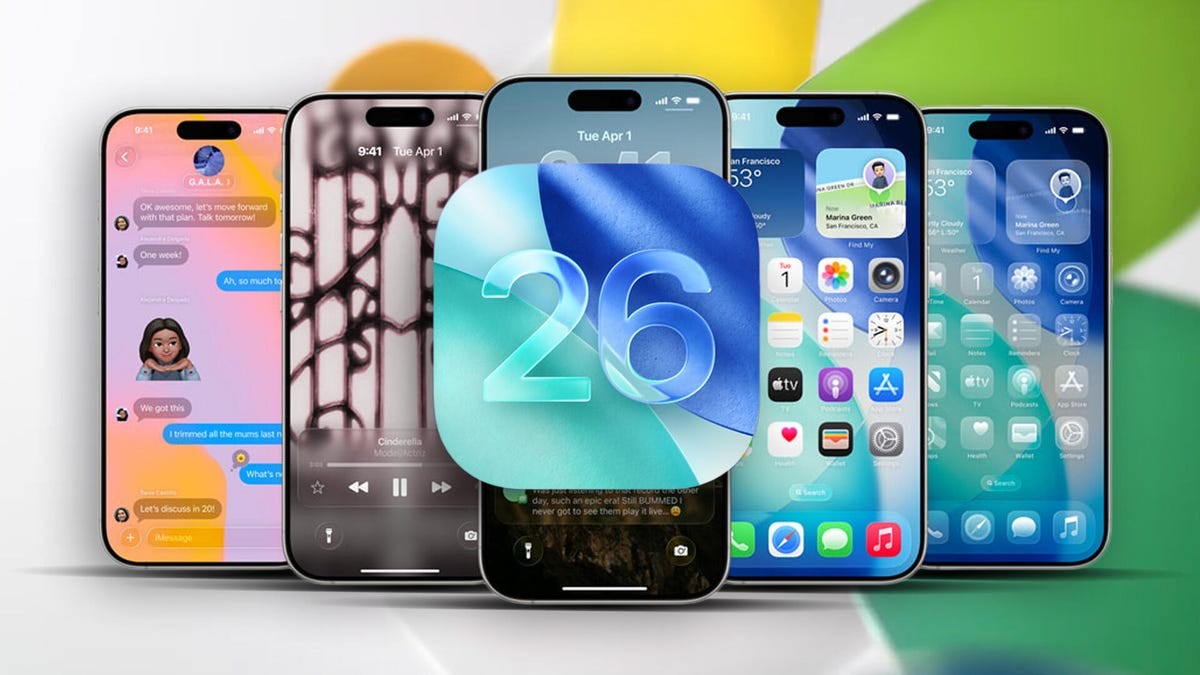
Apple’s latest software iteration, iOS 26.4, arrived on March 24, bridging the gap between the previous major release and the upcoming iOS 26.5. While future updates promise significant shifts like end-to-end encrypted RCS messaging, the current version focuses on refining daily utility, accessibility, and media consumption.
Rather than introducing a single headline-grabbing feature, this update acts as a polishing layer for the iPhone experience. It addresses specific user pain points—from accessibility needs regarding screen brightness to financial friction in family sharing groups—while expanding the capabilities of Apple Music and Podcasts.
For users holding off on updates, the question is no longer just “what’s new?” but “does this improve my daily workflow?” The answer, for many, is a resounding yes.
🎵 Rethinking Music and Discovery in Apple Music
The most substantial changes in iOS 26.4 target Apple Music subscribers, introducing tools that leverage AI to personalize discovery while making live events more accessible.
Playlist Playground: AI-Generated Curation
Apple has introduced Playlist Playground, a beta feature that allows users to generate custom playlists based on textual descriptions. Instead of manually curating tracks, users can input a mood, genre, or activity (e.g., “high-energy workout mix” or “rainy day jazz”), and the system generates a complete playlist with a title, tracklist, and description.
- How to access: Open Apple Music > Go to Library > Tap the new “plus” icon at the top.
- Why it matters: This shifts music discovery from passive algorithmic suggestions to active, intent-based creation. However, because it is in beta, results may vary. Users should expect occasional quirks, such as unexpected genre blends, which can sometimes lead to serendipitous discoveries.
The Concerts Feature: Bridging Streaming and Live Events
The new Concerts tab within Apple Music helps users discover nearby live shows. By analyzing the user’s library and listening habits, it recommends events from favorite artists and suggests new acts performing in the local area.
- Functionality: Requires location permissions to show dates, times, and venues.
- User Benefit: It consolidates music discovery and event planning into one app, reducing the need to switch between streaming services and ticketing platforms.
Ambient Music Widgets
Previously confined to the Control Center, Apple’s Ambient Music playlists (Sleep, Chill, Productivity, and Wellbeing) now have dedicated home screen widgets. This allows for one-tap access to curated soundscapes, facilitating quicker transitions into focused or relaxed states without navigating deep into app menus.
🎧 Enhanced Media Consumption: Podcasts and Captions
iOS 26.4 improves how users consume audio and video content, adding visual depth to podcasts and greater accessibility to video captions.
Video Podcasts in Apple Podcasts
The Podcasts app now supports video playback for episodes that include visual content. Users can toggle video on or off directly within the media player interface.
- How to use: Open an episode > Tap the video player icon > Select “Turn Video On.”
- Impact: This aligns Apple Podcasts with competitors who have long supported video, acknowledging the growing trend of podcasters utilizing visual storytelling.
Expanded Caption Controls
Video accessibility has been improved with new caption styling options available directly within media players (such as Apple TV). Users can now choose between Classic, Large Text, Outline Text, and Transparent Background styles.
- Why this matters: These options are crucial for users with visual impairments or those watching in bright environments. The ability to customize captions on-the-fly ensures that content is accessible to a wider audience without requiring complex system-wide settings adjustments.
♿ Accessibility and System Refinements
Apple continues to prioritize accessibility, introducing settings that reduce sensory overload and improve usability for sensitive users.
Reducing Liquid Glass Effects
The Reduce Bright Effects setting, found under Settings > Accessibility > Display & Text Size, minimizes highlighting and flashing animations associated with the new “Liquid Glass” design language.
- Target Audience: Users with photosensitivity, migraines, or those who find high-contrast animations distracting.
- Implementation: This setting specifically targets the visual “flash” when interacting with buttons or keyboards, offering a calmer interface experience.
Offline Shazam Integration
Shazam’s integration into the Control Center now supports offline identification. If a song is identified while the device has no internet connection, the result is queued and delivered automatically once connectivity is restored.
- Utility: This removes the frustration of missing a song identification due to temporary signal loss, ensuring the feature works reliably in venues with poor connectivity.
🛠️ Productivity and Family Sharing Updates
Smaller but impactful changes address financial logistics in family groups and improve standard productivity tools.
Independent Payment Methods in Family Sharing
Adult members of a Family Sharing group can now use their own payment methods for purchases, rather than relying solely on the organizer’s account.
- Significance: This reduces friction in adult family dynamics, allowing members to maintain financial independence while still benefiting from shared subscriptions or content. It eliminates the need for manual reimbursements for small digital purchases.
Other Notable Enhancements
- New Emoji: Eight new emoji have been added, including an orca, trombone, landslide, ballet dancer, and distorted face, aligning with Unicode 17.0 standards.
- Freeform Improvements: The freeform whiteboard app now includes advanced image creation and editing tools, integrating with Apple Creator Studio.
- Reminders: Users can now mark reminders as “urgent” via the Quick Toolbar or by long-pressing, with a dedicated filter in Smart Lists.
- Keyboard Accuracy: Improvements have been made to predictive text and typing accuracy, particularly for fast typists.
- AirPods Max 2 Support: The update includes initial support for the upcoming AirPods Max 2 hardware.
Conclusion
iOS 26.4 is a refinement update that prioritizes user experience over novelty. By enhancing accessibility options, simplifying media discovery, and resolving minor friction points in family sharing and offline functionality, Apple makes the iPhone more adaptable to individual needs.
While it lacks the dramatic visual overhaul of previous major releases, the cumulative effect of these changes—particularly in music personalization and sensory accessibility—makes it a worthwhile upgrade for most users. As iOS 26.5 approaches with its own set of major features, iOS 26.4 serves as a stable, feature-rich foundation for the current software cycle.