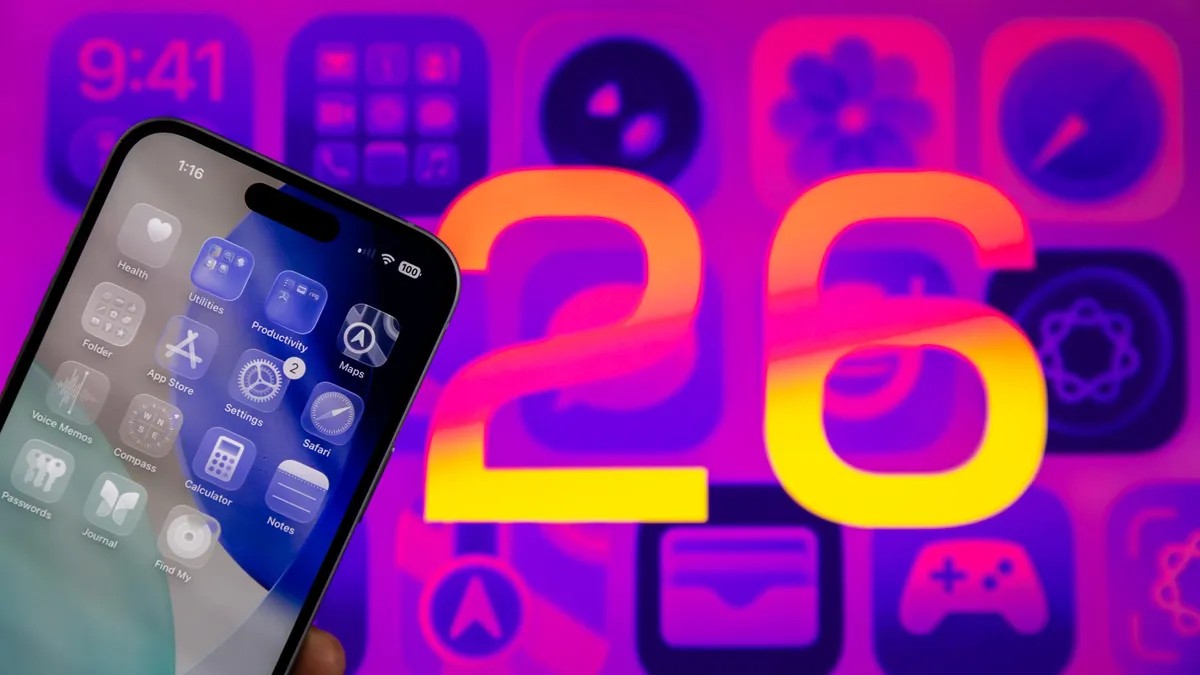
Apple put AI notification summaries back in iOS 26. September 2025 release. But not before they pulled them early in 2025 first.
The BBC complained.
Apple Intelligence twisted their news. Made things up. Displayed inaccurate info. So Apple killed the feature.
Then brought it back. With caveats.
Now the phone admits the summaries might be wrong.
Your settings tell you to verify the info. You have to tap the notification. Read the actual story. Defeats the point? Maybe. But it stops you from scrolling past headlines blindly. Or at least tries.
You still have to turn it on though. It’s not automatic. If you enabled it and regret the decision, here is how to stop the algorithm from guessing.
The warning you must see
Update to iOS 26? You get splash screens. One asks about AI summaries.
Two choices. “Choose Notifications to Summarize” or “Not Now”. Pick “Not Now” and the screen vanishes. Problem solved.
But if you pick the other option you get a menu. Three categories appear.
News & Entertainment. Communication & Social. All Other Apps.
Tap one and you see a red warning under News. It says: “Summarization may change the meaning. Verify information.”
Red text. Big letters.
There is another banner at the bottom too. “This is a beta feature.” “Summaries may contain errors.”
Apple is literally telling you not to trust the summary.
Did they mention that in marketing? No.
After picking categories, you tap “Summarize Selected”. If you pick all, it changes to “Summarize All”. You can also click “Do Not Summarize”.
Most people probably just scroll past this.
Kill the feature
Changed your mind? Hate the glitches? Easy fix.
- Tap Settings
- Tap Notifications
- Tap Summarize Notifications
- Toggle Summarize Notifications off
That is it.
No more summaries. Clean list again.
Want to bring the AI back later? Follow the steps above again. But guess what. You have to pick the categories again.
Apple makes you work for it.
Which is probably good for your eyesight. And the BBC