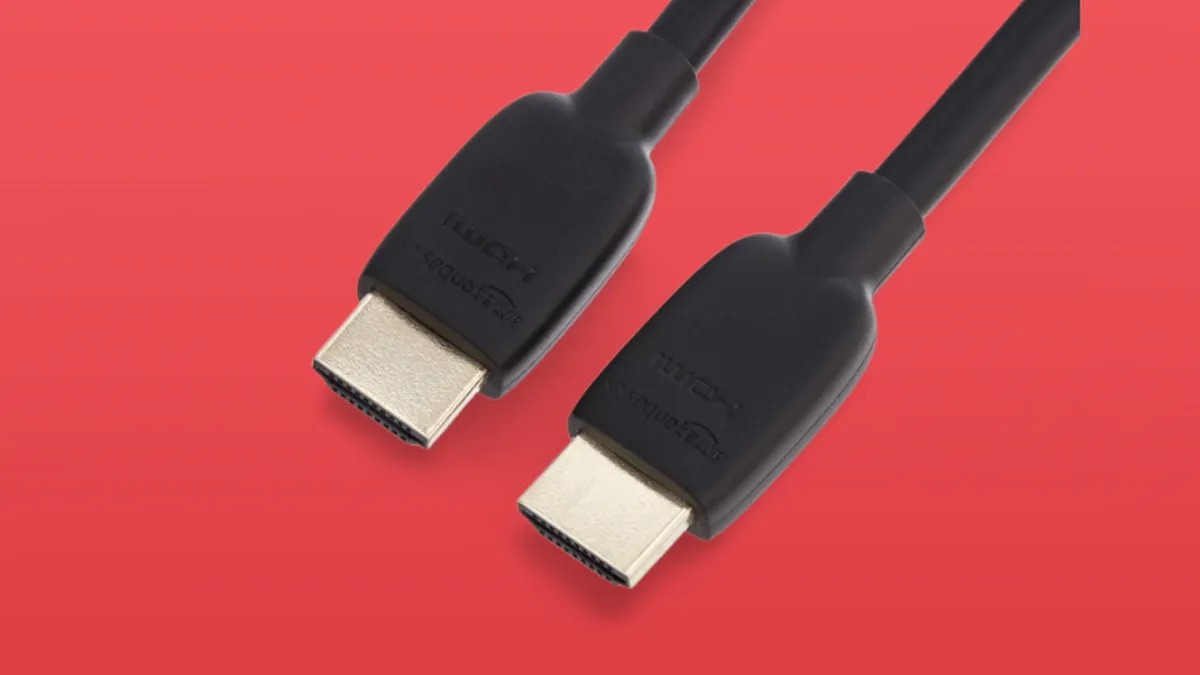
Modern home entertainment systems often rely on a single HDMI connection to transmit both video and audio. Audio Return Channel (ARC) and its enhanced successor, eARC, are key technologies that streamline this process, eliminating the need for separate optical audio cables. This guide explains how ARC and eARC function, whether you need them, and how to troubleshoot common setup issues.
What is ARC and eARC?
ARC and eARC are HDMI features designed to send audio from your TV back to a soundbar or receiver. This is particularly useful for streaming apps built into smart TVs, as the TV acts as the source of the audio, rather than a Blu-ray player or game console. The newer eARC offers greater bandwidth, enabling higher-quality audio formats like Dolby TrueHD and DTS-HD Master Audio, alongside Dolby Atmos, which older ARC connections sometimes struggle with.
The evolution from ARC to eARC is significant because it addresses a critical limitation: bandwidth. Higher-resolution audio demands more capacity, and eARC delivers. This also means improved lip-sync correction, a common issue with older setups where audio lags behind video.
Do You Need ARC or eARC?
For many casual viewers, ARC isn’t essential. If you rely solely on your TV’s built-in speakers, this feature is unnecessary. However, if you use a soundbar or receiver to improve audio quality, ARC simplifies connections. The primary benefit is a single HDMI cable for both video output and audio return, reducing clutter and complexity.
Most modern TVs and audio devices now include ARC or eARC, but verifying compatibility is crucial. Check the HDMI ports on your TV and soundbar or receiver; ARC/eARC ports are typically labeled.
Connecting Your System: Two Approaches
There are two primary ways to connect your devices using ARC or eARC:
-
TV as the Hub: Connect your Blu-ray player and game console to the TV, then run a single HDMI cable from the TV to the soundbar or receiver. This setup centralizes control through the TV’s remote, allowing you to switch between sources using the TV interface. The downside is that some older TVs may not pass 5.1 surround sound, limiting audio quality.
-
Soundbar/Receiver as the Hub: Connect your Blu-ray player and game console directly to the soundbar or receiver, then run a single HDMI cable from the soundbar/receiver to the TV. This approach gives you greater control over audio settings and ensures full surround sound support. However, you’ll need to use the soundbar/receiver’s remote for source switching and volume control.
HDMI CEC and Universal Control
Another HDMI feature, Consumer Electronics Control (CEC), aims to unify remote control functionality across devices. Manufacturers brand CEC differently (SimpLink, Anynet Plus, Bravia Sync, etc.). The idea is that one remote can control multiple devices.
Unfortunately, CEC is notoriously unreliable. Compatibility issues between brands and models are common. If CEC doesn’t work, a universal remote is often the best solution.
Troubleshooting Common Issues
If ARC or eARC isn’t working, start with the basics:
- Verify Compatibility: Ensure both devices support ARC or eARC.
- Check Settings: Confirm that ARC or eARC is enabled in both the TV and soundbar/receiver settings.
- Power Cycle: Turn off all devices, then turn them back on in the correct order (TV first, then soundbar/receiver).
- Audio Output Format: Experiment with different audio output settings on the TV or source device (PCM vs. bitstream).
The 5.1 Surround Sound Problem
One persistent issue is the limitation of 5.1 surround sound over ARC. Some TVs don’t pass 5.1 audio through ARC, forcing you to use optical cables or connect sources directly to the receiver. eARC solves this issue by providing more bandwidth for higher-quality audio formats.
Conclusion
ARC and eARC are valuable technologies that simplify home audio connections. While setup can be frustrating at times, the convenience of a single HDMI cable outweighs the challenges for many users. If you want the best possible audio quality and seamless integration, ensure your devices are eARC-compatible and follow the setup guidelines carefully.